
Plan trips and projects, one task at a time
Keep the big picture and the small details together. With MiniPlanner for iPhone, you can organize a trip, break a personal project into smaller tasks, and see what’s done and what’s left. Add notes and photos wherever you need a little more detail.
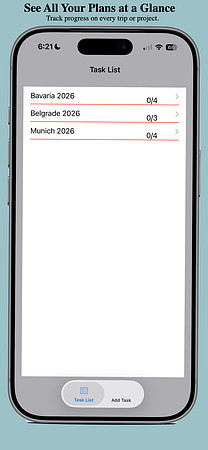
See all your plans at a glance
Keep separate plans for different trips or projects. The main task list shows how many steps you’ve completed in each plan, so you can see where you left off.

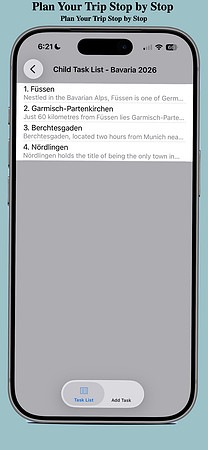
Build your itinerary stop by stop
Create a plan for your trip, then give each destination its own task. In Bavaria, that might mean a list of towns you want to visit. In Belgrade or Munich, it might mean a list of landmarks, parks, and markets you want to explore.
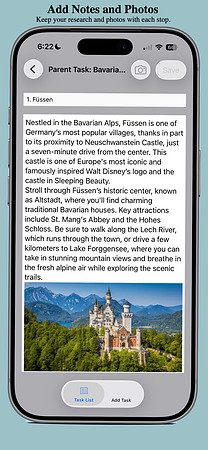
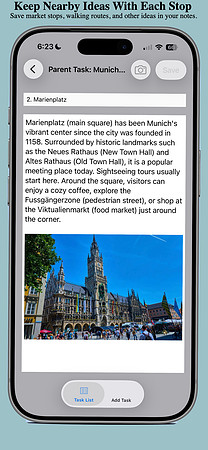
Keep notes and photos with each stop
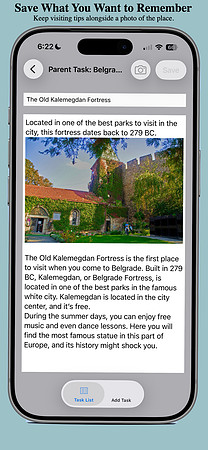
Save a photo of Neuschwanstein Castle with your notes for Füssen, jot down what you want to see at Kalemegdan Fortress, or remind yourself to visit the market near Marienplatz. When you open a task, the details are right there.
Make quick changes with a swipe
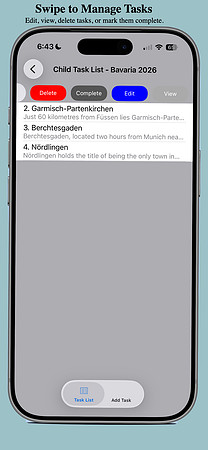
Swipe a task to view, edit, delete, or mark it complete. As you check off stops or finish project steps, you can follow your progress from the main task list.
View MiniPlanner on the App Store